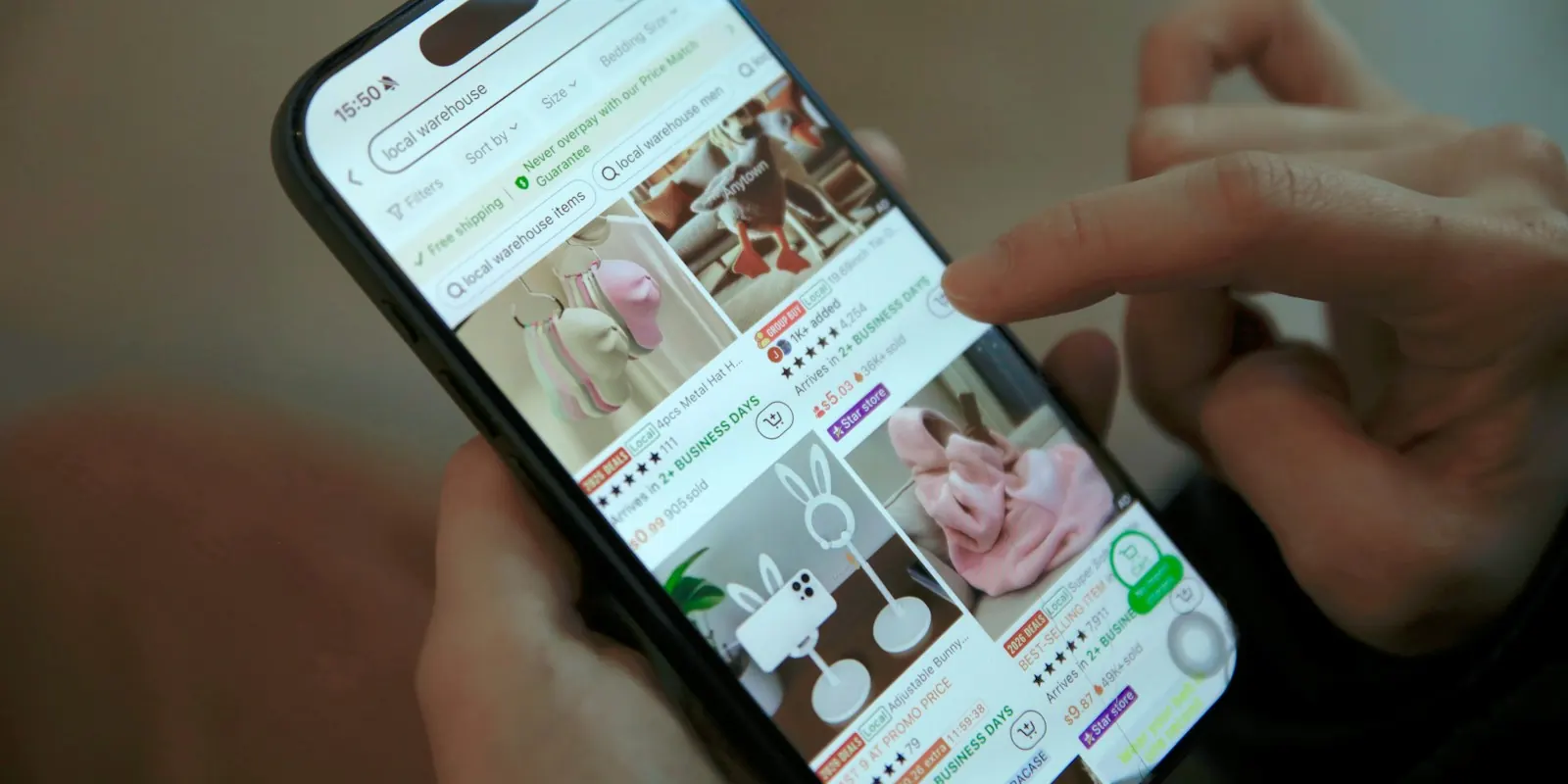
Most people who visit an online store leave without buying, and most carts are abandoned before checkout. Retargeting ads bring those shoppers back with the exact products they looked at. Here is how to set them up, what to show and how to keep them from turning into money spent on people who were going to buy anyway.
Here is a number every online store owner should know: across 50 studies collected by Baymard Institute, the average documented cart abandonment rate is about 70%. Seven out of ten people who add something to their cart leave without paying. Many more browse a few products and never add anything at all.
Some of them were never going to buy. But many were interrupted, wanted to compare prices, were waiting for payday or got put off by a delivery charge. Retargeting ads follow them to Facebook and Instagram and remind them of what they were looking at. Done well, it is often the best-performing spend in a store's whole ad account.
What retargeting actually is
Retargeting (also called remarketing) means showing ads to people who have already interacted with your business: visited your website, viewed a product, added to cart, watched your videos or messaged your page. These people know who you are, so they need far less convincing than a stranger.
On Meta, the most useful version for online stores is Advantage+ catalog ads (previously called dynamic product ads). Instead of designing an ad for every product, you connect your product catalog and Meta automatically shows each person the products they viewed or added to their cart, with the right photo, name and price.
Set up tracking before anything else
Retargeting only works if Meta can see what people do on your website. That needs three things in place:
- The Meta pixel on every page of your store, sending events when someone views a product, adds to cart, starts checkout and buys.
- The Conversions API, which sends the same events from your store's server. It catches sales the pixel misses because of browser privacy settings and ad blockers. Shopify, WooCommerce and most store platforms have a ready integration.
- A product catalog in Meta Commerce Manager, synced with your store, where each product's ID matches the ID your pixel sends. If the IDs don't match, Meta can't tell which product someone viewed and your catalog ads will show the wrong items.
Check it all in Events Manager before you spend anything. Visit your store, view a product, add it to the cart and make sure each event shows up. It takes ten minutes and saves weeks of confusing results.
Split shoppers by how close they came to buying
Not every visitor is equally warm. Someone who reached the payment page is much closer to buying than someone who looked at one product for five seconds. Group them, so each group sees a message that fits:
- Started checkout, didn't pay (last 7 days): the warmest group. Often something stopped them at the last step: delivery charges, payment options or a sudden doubt.
- Added to cart, didn't check out (last 14 days): interested in a specific product but not convinced yet.
- Viewed products, didn't add to cart (last 14 to 30 days): browsing, comparing, maybe just curious.
- Engaged with your Instagram or Facebook (last 30 to 60 days): watched your videos, saved a post, messaged you, but may never have visited the store.
For a small store with modest traffic, these groups may be too small to run as separate ad sets. In that case, combine them into one retargeting audience and let the catalog ad show each person their own products. Split them later, as traffic grows.
Choose time windows to match how long people take to decide. A ₹499 T-shirt is a quick decision, so a 7 to 14 day window makes sense. A ₹40,000 sofa might take a month, so look back 30 days or more.
Always exclude people who just bought
Nothing wastes retargeting money faster than showing someone an ad for the shoes they bought yesterday. It's annoying for them and it inflates your results, because Meta may take credit for sales that were already made.
Create a custom audience of people who purchased in the last 7 to 30 days, depending on how often your customers buy, and exclude it from your retargeting ad sets. If you sell things people buy again, such as coffee, skincare or pet food, you can run a separate campaign for past customers when they're likely to need a refill.
What to show each group
The product they looked at reminds them. A good reason to come back gets them to act. Match the message to the group:
- Checkout abandoners: remove the last worry. Free delivery above a certain amount, cash on delivery, easy returns, a small discount that expires soon.
- Cart abandoners: show the product again with proof: star ratings, a customer review, a photo of the product being used.
- Product viewers: show the product they viewed alongside similar ones, or your best sellers. They may not have found the right item yet.
- Social engagers: tell your story and show your most popular products. These people know your brand but haven't shopped yet.
Catalog ads can carry a frame or text overlay with your offer, such as "Free delivery" or "10% off today", and you can add a line of text above the products. Mixing catalog ads with a couple of normal image or video ads, such as a customer review video, also works well. Different people respond to different kinds of reminder.
Don't discount by default
It's tempting to offer every abandoner a discount. Be careful. If regular customers learn that leaving the cart gets them 10% off, some will start doing it on purpose, and you give away margin on sales you would have made anyway.
Start by removing friction instead: show delivery charges early, offer cash on delivery and UPI, make returns clear and answer common questions in the ad. Keep discounts for the warmest group, make them time-limited, and test whether they actually bring more sales than a simple reminder.

How much to spend on retargeting
Retargeting audiences are limited by how many people visit your store. If 5,000 people visit in a month, you can't usefully spend a fortune showing ads to them. Spend too much and the same people see your ad again and again until they get tired of it.
For most small stores, retargeting works best as a smaller share of the total budget, often somewhere around 10 to 20%, with the rest bringing new visitors in. Watch frequency in Ads Manager, which is the average number of times each person saw your ad. If it climbs well above what you'd consider reasonable for a week, and results drop, the audience is tired: add new ads or reduce the budget.
Remember that retargeting only works if new people keep arriving. If you stop spending on reaching new customers, your retargeting audiences shrink within weeks. Our guide to your first 30 days of Facebook ads covers how to bring those visitors in.
Is retargeting really working?
Retargeting campaigns usually show the best return in Ads Manager, and that can be misleading. Some of the people you're retargeting would have come back and bought anyway. Meta's default attribution counts a sale if someone bought within 7 days of clicking your ad or 1 day of seeing it, so a retargeting ad that someone scrolled past can still get credit.
A few ways to keep yourself honest:
- Compare your store's total sales before and after you start retargeting, not just the number in Ads Manager.
- Look at sales from clicks separately from sales credited to views. Ads Manager can break results down by attribution setting.
- If you have enough traffic, try pausing retargeting for a couple of weeks and see how much your total sales actually drop.
Reminder windows that make sense
- Cart abandoners, 1 to 7 days: the warmest group. Answer doubts and remind them of the exact product.
- Product viewers, 1 to 14 days: show reviews, other colours or bestsellers.
- Site visitors, 15 to 30 days: brand reasons to buy, new arrivals, offers.
- Past buyers: launches, refills and complementary products, not the item they just bought.
For considered purchases like furniture or jewellery, stretch these windows; people take weeks to decide. For impulse products, keep them short.
Mistakes that waste retargeting budget
- Showing the same product ad to people who already bought it.
- Running retargeting so hard that frequency climbs past several times a week, which annoys people.
- Giving everyone a discount, which trains customers to abandon carts on purpose.
- Counting retargeting sales as new growth, when many would have bought anyway.
See our ecommerce ads guide for how retargeting fits into the whole store setup.
Retargeting in the Andromeda era
Broad sales campaigns now reach many past visitors on their own, because Meta's system recognises who is likely to buy. That means a separate retargeting campaign isn't always needed. Keep one when you have a reason: a special offer for cart abandoners, a short window after launches, or a product with a long decision time. Otherwise, make sure your main campaign includes reminder-style creative (reviews, guarantees, delivery details) that Meta can show to warm visitors. See campaign structure for Andromeda.
Worked example: winning back carts
An illustrative store gets 1,000 add-to-carts a month and 300 purchases. It adds three things: a WhatsApp message one hour after abandonment, an email the next day, and two reminder ads (a review video and a "free delivery this week" static) inside its main campaign. If even 5 percent of the 700 abandoned carts come back, that's 35 extra orders a month from people who already wanted the product.
What to say to people who didn't buy
- Answer the doubt: delivery time, size guide, returns, payment options.
- Show proof: reviews and real photos from customers.
- Remind them of the specific product with catalogue ads.
- Offer a reason only if it's real: free delivery, a small first-order discount, limited stock.
Quick quiz · 3 questions
Retargeting quiz
1. Why do retargeting ads usually cost less per sale?
2. Do you always need a separate retargeting campaign now?
3. What's the best first message to a cart abandoner?
0 of 3 answered
Frequently asked questions
Meta can technically show ads to quite small audiences, but with only a few hundred visitors a month, results will be patchy and frequency will rise quickly. Start retargeting once you have a steady flow of visitors, and keep one combined retargeting ad set until each group is big enough to split.
Yes. Email and WhatsApp reminders to people who left their contact details at checkout cost very little and often recover sales before an ad would. Ads then reach the people who left before entering any details.
Yes. Google lets you show ads to past website visitors on YouTube, Gmail and partner websites, and Performance Max campaigns include remarketing automatically. Many stores start with Meta, because catalog ads are simple to set up, and add Google later. If you'd like help with either, talk to us.