Conversions API (CAPI)
Also called CAPI, Meta Conversions API
The Conversions API sends conversion events from your website's server straight to Meta. It catches sales and leads the pixel misses because of browser privacy settings and ad blockers.
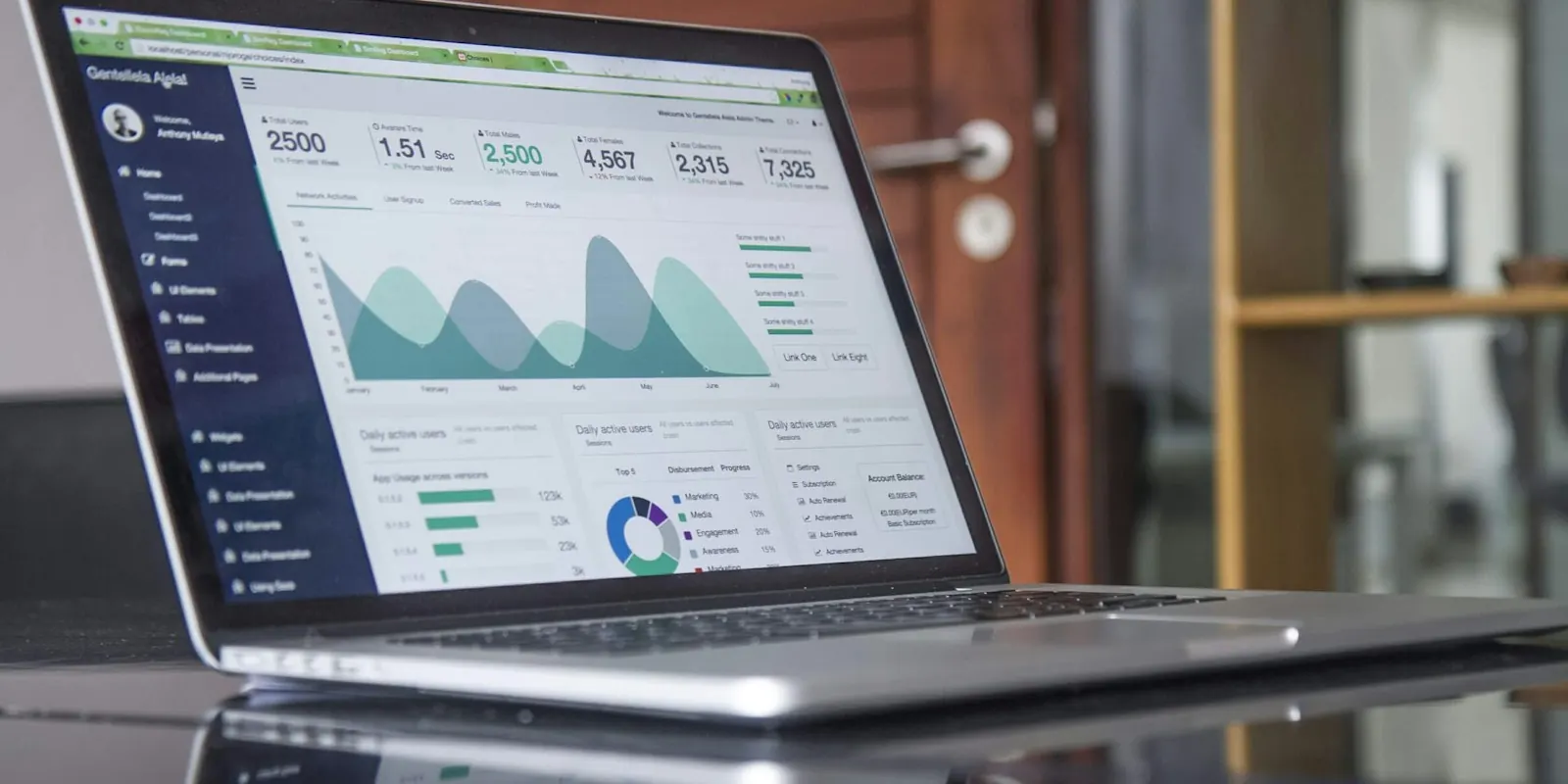
Pixel and CAPI together
The pixel runs in the visitor's browser; the Conversions API runs on your server. Used together, with matching event IDs so Meta doesn't count a sale twice, they give the most complete picture.
Better data helps Meta's delivery, so ads tend to find buyers more efficiently.
Getting it running
- Use your store platform's Meta app, which usually sets up both.
- Check the event match quality score in Events Manager.
- Send only data you have permission to share, as your privacy policy describes.
Example: recovering lost purchases
A fashion store using only the pixel sees 20% fewer purchases in Ads Manager than in Shopify, because browsers and ad blockers hide some events.
After switching on the Conversions API, Meta receives most of the missing events and removes duplicates. Reporting is closer to reality and the system has more data to learn from.
Common mistakes
- Sending server events without matching the pixel's event IDs (causing duplicates).
- Sending too little customer information to match events.
- Assuming it's set up without testing.
Quick quiz · 1 questions
Check yourself: Conversions API (CAPI)
1. What does the Conversions API add to the pixel?
0 of 1 answered
Guides that use Conversions API (CAPI)
- Lead Generation Ads: The Complete Guide to Getting Enquiries That Turn into Customers5 min read
- Ads for Online Stores: The Complete Guide to Selling with Meta and Google6 min read
- Facebook and Instagram Ads: The Complete Guide for Small Businesses in India9 min read
- Meta Andromeda Explained: What Meta's Ad Algorithm Update Means for Your Ads in 202612 min read
- Andromeda, GEM and Lattice: How Meta's AI Ad System Decides Which Ad You See6 min read
- Advantage+ in the Andromeda Era: When to Hand Meta the Wheel (and When Not To)5 min read
Frequently asked questions
Yes, if they sell online. On popular platforms it's a few clicks to switch on, and it improves the data Meta learns from.
Yes: enhanced conversions and server-side tagging do a similar job for Google Ads.