Attribution window
Also called Attribution setting, Attribution
An attribution window is how long after someone sees or clicks an ad a sale still counts as coming from that ad. Meta's default counts sales within 7 days of a click or 1 day of a view.
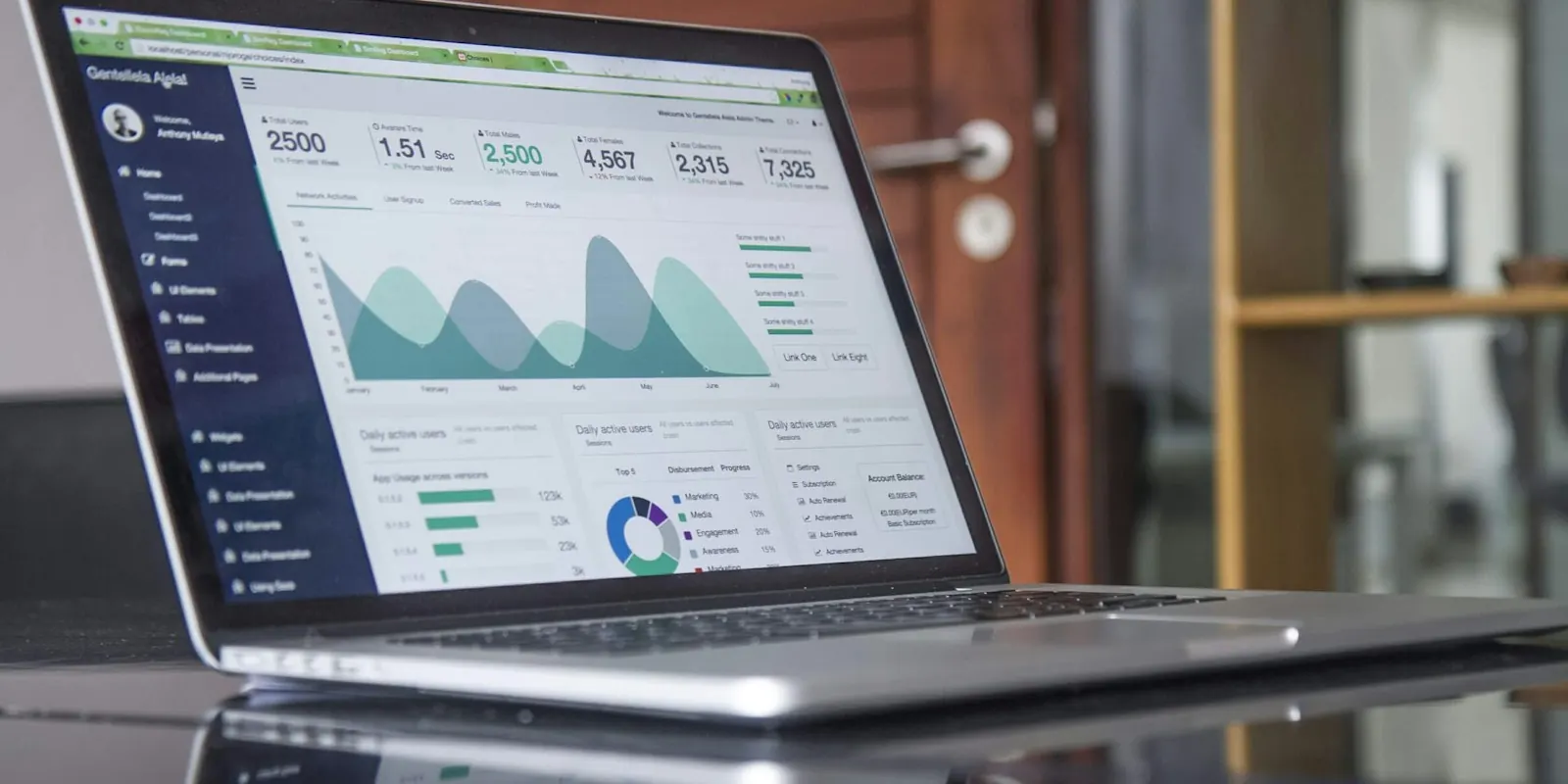
Why Ads Manager and your store disagree
If someone sees your Instagram ad, searches Google for your brand three days later and buys, both Meta and Google may claim the sale. Some sales from ads go untracked entirely. So platform numbers rarely match your store exactly.
How to stay honest
- Treat platform numbers as a way to compare ads with each other.
- Use your store's total sales and enquiries as the final word.
- Look at click-based results separately from view-based ones in Ads Manager.
- Watch whether total sales grow as ad spend grows.
Example: why numbers don't match
A customer clicks a Meta ad on Monday, searches the brand on Google on Thursday and buys. Meta counts it (within 7 days of a click), and Google counts it too.
The store counts one order. Neither platform is lying; they're each using their own window. The store judges overall results on total sales against total spend.
Common mistakes
- Expecting Meta, Google and the store to match exactly.
- Comparing campaigns that use different windows.
- Treating view-through conversions as equal to click conversions.
Quick quiz · 1 questions
Check yourself: Attribution window
1. Meta's default attribution counts purchases within…
0 of 1 answered
Guides that use Attribution window
Frequently asked questions
Meta's default, 7-day click and 1-day view, suits most businesses. For high-priced items with long decisions, look at longer click windows in reports too.
Each counts sales after its own ads, and neither sees the other's. That's why your store data is the final word.